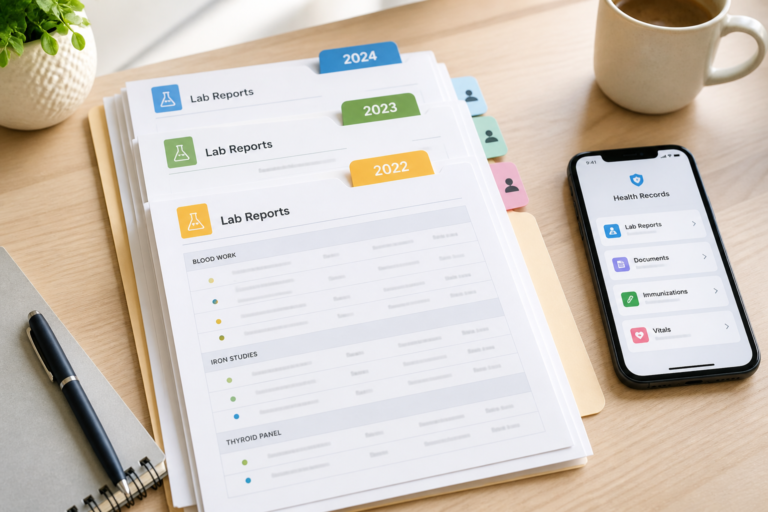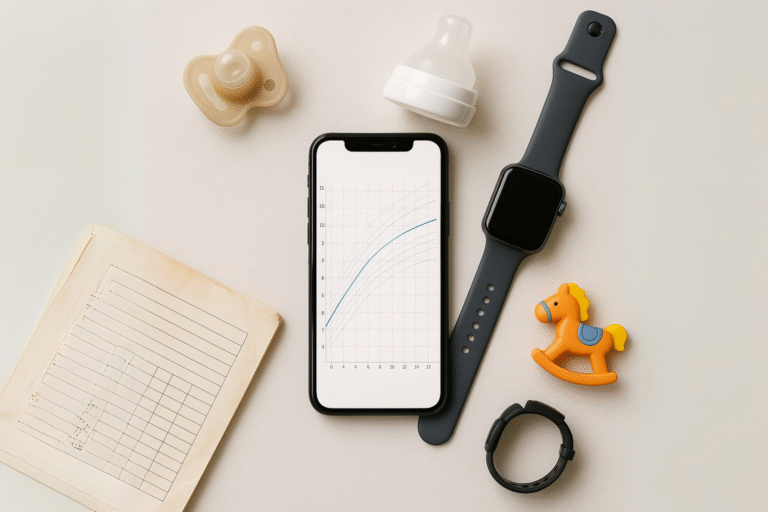

The doctor asks when your child last took a medication. You know the answer exists, but is it in a patient portal, an email, a paper report, or a message from another clinic?
This is what fragmented health data feels like in real life: not a technical problem, but a stressful search at exactly the wrong moment.
Families cannot make every healthcare system communicate. But they can keep a reliable personal copy of the information they receive, organized by person and date, ready for the next appointment, trip, or change of doctor.
Medical information notice: A family-maintained record supports organization and conversations with healthcare professionals. It does not replace provider records, medical judgment, diagnosis, treatment, or emergency services. Ask a qualified professional to interpret symptoms, measurements, and test results.
Why Your Records Do Not Automatically Follow You
Every part of the health system creates information for its own work. A pediatrician records a consultation. A laboratory publishes a result. A hospital keeps a discharge summary. A specialist sends a report. A school or travel clinic may hold a separate vaccination record.
Even when these organizations use electronic systems, the systems may not be connected or may implement the same exchange standard in different ways. That distinction matters. Technology such as FHIR can help connected institutions exchange structured information, but it does not automatically assemble one person’s records across providers that use different standards, different implementation guides, or no organizational connection at all.
A 2025 survey examined 56 proposed approaches to patient-centered interoperability. Only 23 included personal data retrieval. More revealingly, personal retrieval was rarely combined with semantic interoperability, which helps different systems preserve the meaning of exchanged information, or with FHIR adaptation.
In practical terms, healthcare systems can improve the way institutions exchange data without solving the problem a family experiences: obtaining one timely, understandable view of a person’s history across disconnected providers. The researchers identify this as a critical gap between institutional interoperability and patient-centered access. Read the full survey.
That leaves families with pieces of the same story in different places:
- growth measurements in a child-health booklet;
- laboratory reports in a portal or email;
- vaccination records on paper;
- images and reports held by different providers;
- medication changes in visit notes or messages;
- important context that survives only in memory.
The goal is not to reproduce the hospital’s record. It is to keep the information your family receives usable when care moves from one place to another.
What Becomes Easier When Your Records Are Organized
An organized family health record cannot guarantee a medical outcome. It can make several practical tasks easier:
- Prepare for appointments: Find the requested report, medication list, or previous measurement before the consultation starts.
- Change providers with less friction: Bring relevant documents instead of assuming a new clinic can access every previous system.
- Give clinicians more context: Make earlier reports available for professional comparison when they are relevant.
- Avoid relying on memory: Preserve dates, source documents, and instructions as they were received.
- Share deliberately: Give a caregiver or professional access to the relevant profile without handing over your account credentials.
Access to previous information can matter. In one study of 500 emergency-department patients, computerized access to prior records supplied useful discharge summaries, laboratory results, medication information, imaging reports, and other clinical context.
“Availability of previous laboratory results clearly decreased ordering of redundant studies.”
It was a single U.S. study, so it should not be generalized to every setting. It does, however, illustrate the practical value of making earlier information available when decisions are being made. Review the study in PubMed.
A Simple System You Can Keep Using
You do not need to organize a lifetime of records in one day. Start with what would help at the next appointment.
1. Create One Place for Each Person
Keep each family member’s information separate. Begin with:
- current medications and known allergies;
- vaccination records;
- recent consultation or discharge summaries;
- important laboratory, imaging, and specialist reports;
- growth measurements recorded by a healthcare professional;
- active care plans and relevant healthcare contacts.
Download the original files when possible. Scan every page of a paper document clearly. Avoid retyping a report when you can preserve the source, because manual transcription can introduce errors.
Record-access rights differ by country. Ask the provider how to request a copy and what proof of authority is required for a child or dependent. In the United States, HIPAA generally gives individuals or their personal representatives access to a broad range of information held by covered providers and health plans, with limited exceptions. See current HHS guidance.
2. Make Every File Easy to Recognize
Use names that remain useful after a file leaves its original portal:
YYYY-MM-DD_Person_DocumentType_ProviderFor example:
2026-06-18_Maya_LabReport_CityClinic.pdfKeep sensitive details out of the file name if names appear in device notifications, search results, or shared views.
In EZM5, the Documents area keeps files under the selected profile. It supports PDFs and common image formats including JPG, PNG, HEIC, WEBP, and TIFF. You can search by file name, sort by date, view PDFs and images, and download or share a copy using the options available on your device.
3. Preserve the Event Around the Document
A report is more useful when you know why it was created. Keep a short record of:
- the date and type of event;
- the provider or facility;
- the reason for the visit or test;
- the documents received;
- follow-up instructions or questions.
Separate family observations from information documented by a clinician. Do not alter the source file. If something appears wrong, ask the organization that created the record about its correction process.
EZM5 events can represent consultations, appointments, exams, vaccinations, or document uploads. Notes, measurements, and supporting files can stay with the relevant event. If you upload a file independently, EZM5 creates an event so the document remains visible in the profile timeline.
4. Maintain the Record at Moments That Already Exist
Do not create a complicated health-administration routine. Use natural triggers:
- after an appointment, add the report and follow-up instructions;
- after a test, save the original result;
- before travel or a new doctor, check medications, allergies, and key documents;
- every few months, review profile details and remove access that is no longer needed.
Before a consultation, prepare the smallest useful set of information. Ask the practice what it needs and how it accepts records. Sending an entire archive can make the relevant details harder to find.
For more on the value of continuity, read why pediatric growth records may be incomplete and how laboratory results form a timeline.
5. Share Access Without Giving Away Your Account
Email attachments and messaging apps are convenient, but they can be forwarded, downloaded, or left in an inbox. Before sharing, confirm what the recipient needs, which method they accept, and when access should end.
EZM5 SafeShare provides temporary, read-only access to a profile. The guest gives you a five-character code; you use it to start the session. You can see its expiration time and revoke it sooner when access is no longer needed. The profile must contain shareable data, and simultaneous-session limits depend on the subscription.
Use ongoing membership access differently. When the subscription and roles permit it, you can invite another user to help manage family profiles and records. Reserve that access for someone who genuinely shares the ongoing responsibility.
How EZM5 Fits Into the Family Routine
EZM5 is designed around the tasks families repeatedly face:
| When you need to… | EZM5 helps you… |
|---|---|
| Find one person’s records | Keep each person in a separate profile and switch profiles from the app header. |
| Understand what happened and when | Keep consultations, exams, vaccinations, notes, measurements, and documents in a dated event timeline. |
| Retrieve an original report | Search the selected profile’s document library by file name and open PDFs or images in the app. |
| Follow selected growth measurements | Record weight, height, or head circumference and review the values in a chart or table. |
| Let someone view a profile temporarily | Start a read-only SafeShare session and revoke it when it is no longer needed. |
| Manage records with another caregiver | Invite a member where the subscription and role support collaboration. |
The home screen keeps the selected profile’s recent events, measurements, and files visible and provides shortcuts to create an event, record a measurement, upload a file, or start SafeShare.
Feature availability depends on factors such as the subscription, plan capacity, profile, account role, device, and available profile data. Charts organize recorded values; they do not diagnose conditions or provide treatment guidance.
What to Check Before Storing Family Health Information
Centralizing records makes them easier to retrieve, but it also concentrates sensitive information. Evaluate any service for:
- encryption in transit and at rest;
- clear access roles and revocable sharing;
- file export and account recovery;
- deletion and backup-retention rules;
- storage, profile, and sharing limits;
- data-processing location;
- advertising and third-party data-use practices.
Data that is stored and processed within EZM5 is encrypted in transit and at rest. Creating, accessing, and sharing information is strictly subject to permissions and limits.
EZM5 does not sell health records, uploaded documents, measurements, profile details, SafeShare data, or guest-access data, and does not use that information for advertising, targeted advertising, remarketing, or behavioral advertising. Deleted information is removed from active systems through the deletion process but may remain temporarily in encrypted backups or logs for the reasons described in the policy.
Review the EZM5 Privacy Policy before uploading information, particularly when managing another person’s profile or using the service outside the United States.
Make the Next Appointment Easier
Do one useful thing now:
- Open EZM5.
- Create the profile you manage.
- Add the three documents you are most likely to need again.
You can build the rest over time, one health event at a time.
Frequently Asked Questions
What does “fragmented health data” mean?
It means information about one person is distributed across separate providers, portals, documents, devices, or paper files. The records may exist, but they are not automatically available together.
Where should I start if years of records are scattered?
Start with the next likely need, not the oldest document. Collect current medications, allergies, vaccinations, recent summaries, and the reports relevant to an upcoming appointment. Add older records when they become useful.
Is a personal health record the same as my doctor’s record?
No. A provider maintains its official record. A personal health record is the copy you or an authorized caregiver manages to support continuity and sharing. Confirm important information with the provider that created it.
Why not keep everything in email, cloud folders, or a photo library?
Those tools can store files, but they may not keep each person, event, measurement, and sharing permission connected. Whatever system you choose, it should make retrieval, export, access control, and deletion understandable.
Can EZM5 analyze or diagnose a health condition?
No. EZM5 organizes records, events, and selected measurements. It does not provide diagnosis, treatment guidance, or emergency services. Measurements and reference lines require professional interpretation.
Can I share records without sharing my password?
Yes. SafeShare provides temporary, read-only access through a guest’s five-character code. You can see when the session expires and revoke it sooner. Confirm that the recipient accepts this method before relying on it for care.
What information should be easy to reach in an emergency?
Keep current medications, known allergies, essential care instructions, emergency contacts, and relevant clinician details easy to retrieve. Ask your healthcare team what is appropriate for your family. Never delay emergency care while looking for records or rely on EZM5 as an emergency service.
Sources
- Saberi MA, Mcheick H, Adda M. From Data Silos to Health Records Without Borders: A Systematic Survey on Patient-Centered Data Interoperability. Information. 2025;16(2):106.
- Stair TO. Reduction of redundant laboratory orders by access to computerized patient records. Journal of Emergency Medicine. 1998;16(6):895–897.
- U.S. Department of Health and Human Services. What personal health information do individuals have a right under HIPAA to access?. Reviewed May 30, 2025.
- EZM5 Digital Inc. Privacy Policy. Dated June 26, 2026; verified July 4, 2026.